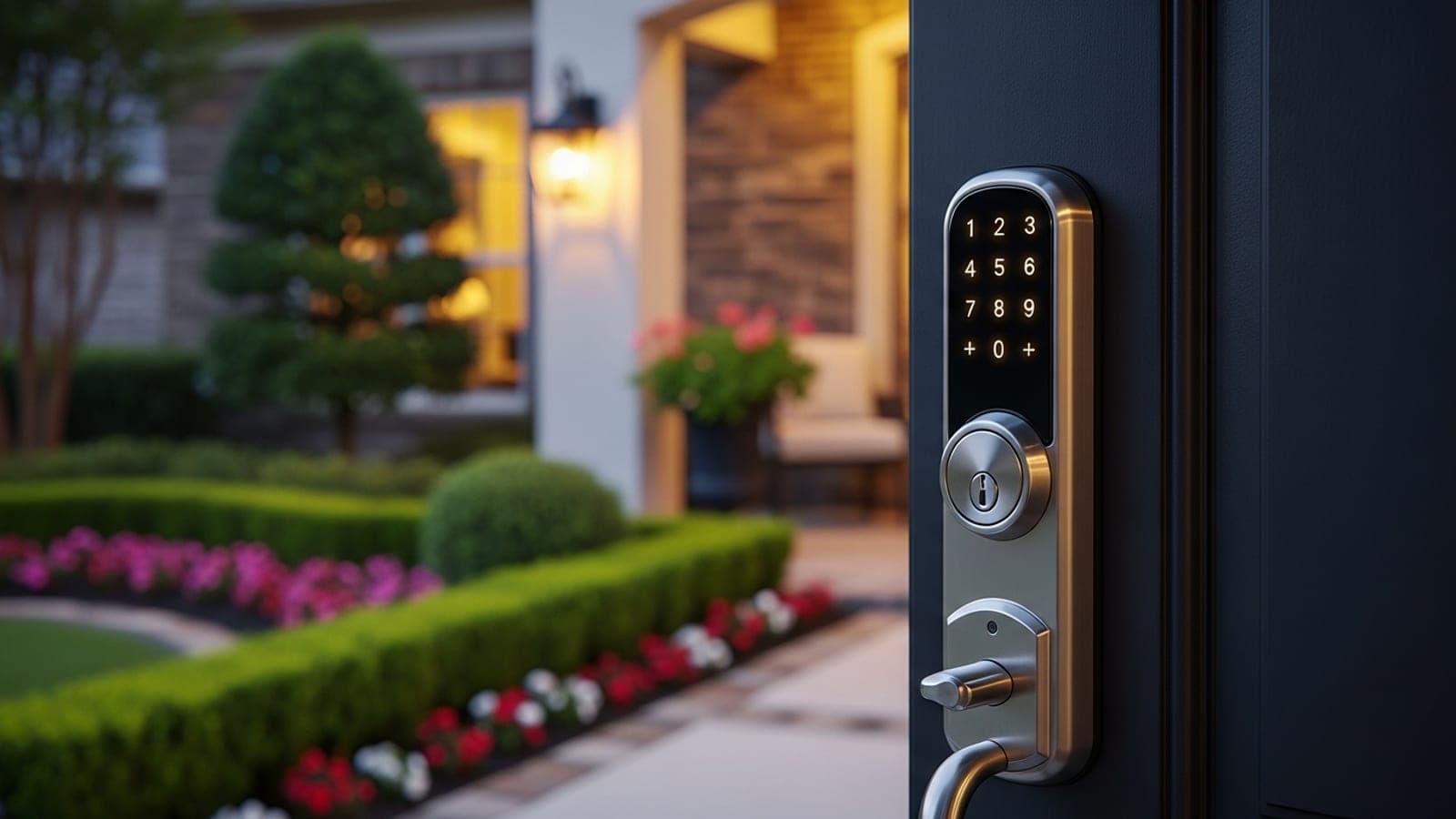
Smart Lock Installation Keller TX: Keypad Deadbolt Guide
A Keller TX locksmith's guide to smart lock and keypad deadbolt installation: cost, security grades, retrofit vs replace, Wi-Fi vs Bluetooth, and what to avoid.
TL;DR
A keypad or smart deadbolt is the most useful security upgrade a Keller homeowner can make after rekeying — but only if you buy the right grade and install it correctly. The appeal is real: no more hiding a key under the mat, the ability to issue a temporary code to a house cleaner or contractor and revoke it later, and a log of who came and went. Smart-home adoption has moved past early-adopter territory; the U.S. Census Bureau's American Community Survey shows near-universal broadband and smartphone penetration in affluent north Tarrant suburbs like Keller and Southlake, which is the infrastructure smart locks depend on.
The decision that actually matters is grade and lock body, not brand marketing. A smart lock is still a deadbolt first and a gadget second — and most failures we get called to fix trace back to a weak lock body, a bad door-prep, or a misaligned strike, not a software bug. Installed cost in the Keller market typically runs $140–$320 per door for the hardware plus a mobile locksmith's labor, depending on whether it's a simple retrofit or a full replacement with door modifications. This guide walks through retrofit vs. replace, the ANSI/BHMA grade you should insist on, Wi-Fi vs. Bluetooth tradeoffs, the real security risks, and how to avoid the install mistakes that turn a $250 lock into a service call. If you've just moved in, pair this with our rekey guide and smart key programming service.
What a "smart lock" actually is — and isn't
The phrase covers a wide range of hardware, and the differences determine whether installation is a 20-minute swap or a door modification. Broadly, four categories:
- Keypad deadbolts (no connectivity). A code-entry deadbolt with no app and no radio. The most reliable category, the cheapest, and immune to network attacks — because there is no network.
- Bluetooth smart locks. Pair to your phone over short-range Bluetooth. No internet dependency, so no monthly fees and a smaller attack surface, but no remote control when you're away.
- Wi-Fi smart locks (or hub-connected). Full remote control, guest codes, and access logs from anywhere. The most feature-rich and the most dependent on your network and the manufacturer's cloud staying online.
- Retrofit smart locks. Devices that mount over your existing deadbolt's interior thumb-turn, leaving the exterior keyway untouched. Renter-friendly and fast to install, but limited to compatible deadbolts.
The Associated Locksmiths of America (ALOA) consistently frames electronic locks as an extension of mechanical lock standards, not a replacement for them — meaning the same forced-entry and durability concerns apply. A smart lock with a flimsy bolt is a flimsy lock with a screen.
Retrofit vs. full replacement: which install you actually need
This is the first thing a locksmith determines on site, and it drives both cost and time.
Retrofit (keep the exterior, swap the interior)
A retrofit smart lock — the over-the-thumb-turn style — installs in minutes because it doesn't touch the door bore or the exterior hardware. Your existing key still works from outside; the smart features ride on the inside. This is the right choice when:
- Your existing deadbolt is sound and a decent grade.
- You rent and can't modify the door (these are removable).
- You want smart features without losing your physical key backup.
Full replacement (new lock body in the door)
A full smart deadbolt replaces the entire lock — exterior, bolt, and interior. Choose this when:
- The existing deadbolt is worn, sub-grade, or non-standard.
- You want a keypad on the exterior (most retrofits don't add one).
- You want the strongest security grade available, which generally means a purpose-built deadbolt rather than an add-on.
A full replacement may require minor door-prep — confirming the backset (2-3/8" or 2-3/4"), the bore diameter (typically 2-1/8"), and the strike alignment. On older or custom doors in established Keller neighborhoods, this is where a professional install earns its fee: a smart lock installed on a misaligned door will grind, fail to throw the bolt fully, and burn through batteries fighting the friction.
Grade matters more than brand: ANSI/BHMA for smart locks
Smart or not, residential deadbolts are graded by the Builders Hardware Manufacturers Association (BHMA) under ANSI/BHMA A156, on a scale from Grade 1 (highest) to Grade 3. BHMA also runs a consumer-facing Residential Security rating that scores locks A/B/C across security, durability, and finish — worth checking before you buy.
For a primary entry door in Keller, insist on at least a Grade 2 electronic deadbolt; a Grade 1 is worth the premium on a main door you want hardened. The grade tells you the bolt and lock body survived real cycle and force testing — which is the part a thief interacts with. The app is irrelevant to someone with a pry bar.
| Grade | Best for | Forced-entry resistance |
|---|---|---|
| Grade 1 | Primary entry, high-value homes, light commercial | Highest |
| Grade 2 | Most Keller front/back doors | Strong residential |
| Grade 3 | Low-risk or interior doors | Basic minimum |
Pair any graded deadbolt with a reinforced strike plate and 3-inch screws into the door framing. Per ALOA's residential guidance, the strike and the framing it bites into are as important as the lock itself — a Grade 1 deadbolt in a short-screwed builder strike is defeated by a kick, not a hack. For commercial or multi-door access needs, our access control systems service covers code- and credential-based entry beyond a single deadbolt.
Wi-Fi vs. Bluetooth vs. keypad-only: the honest tradeoffs
There is no universally "best" connectivity — it's a tradeoff between convenience and dependency.
Keypad-only is the most reliable. No radio, no app, no cloud, no batteries-die-and-you're-locked-out-because-the-app-froze scenario beyond the keypad's own battery. You lose remote access and logs. For a homeowner who just wants to stop hiding a key, this is often the right answer.
Bluetooth adds phone-based unlocking and local guest codes without a cloud dependency or subscription. The limit is range — you can't grant access or check the lock when you're at work. Smaller attack surface, lower long-term cost.
Wi-Fi / hub-connected is the full experience: remote lock/unlock, time-limited guest codes, and access logs from your phone anywhere. The cost is dependency. Your lock now relies on your home network, the manufacturer's cloud, and firmware updates. The Federal Trade Commission and NIST's IoT cybersecurity program both stress that connected home devices are only as secure as their weakest update — unpatched firmware and reused passwords are the real-world failure modes, not exotic lock-picking. If you go Wi-Fi, use a unique strong password, enable two-factor authentication on the lock's account, and keep firmware current.
A real-world example
Homeowner: A two-professional household in the Marshall Ridge area of Keller, anonymized. Both worked hybrid schedules and were tired of coordinating key handoffs for a dog walker and a biweekly cleaner.
Before: A standard keyed deadbolt on the front door. Spare keys were lent out and never reliably returned. The cleaner had a key the homeowners had stopped trusting after a staffing change at the service. A house-sitter key lived under a flowerpot — the exact vulnerability the FBI Uniform Crime Reporting program flags, since so many burglaries involve entry without force.
Implementation: A mobile locksmith assessed the door, confirmed a standard backset and bore, and replaced the front deadbolt with a Grade 2 Wi-Fi keypad deadbolt plus a reinforced strike with 3-inch screws. The technician aligned the strike so the bolt threw fully without resistance, set up the homeowners' admin codes, and created separate revocable codes for the dog walker and cleaner. On-site time was about 45 minutes.
Results (30 days post):
- Zero physical keys lent out; the flowerpot key was retired.
- The cleaner received a code active only on service days, revocable in seconds.
- Access logs showed exactly when the dog walker arrived — useful once, when a midday visit was missed.
- Battery life held strong because the strike was aligned and the bolt wasn't fighting friction.
Net: The household converted an uncontrolled, key-based access list into a revocable, logged one for the cost of a single graded keypad deadbolt and a professional install. The decisive factor wasn't the brand — it was a correct backset, an aligned strike, and reinforced framing.
What experts say
"Ninety percent of the smart-lock callbacks I run aren't software problems. It's a strike that's a hair off, a door that's swollen, or short screws in the frame. People buy a $300 lock and install it on a door that was never aligned, then blame the technology. Get the door and the strike right and the lock just works." — ALOA-affiliated locksmith specializing in residential electronic access, north Tarrant County (anonymized)
Per NIST's IoT cybersecurity guidance, the dominant security risk in connected home devices is not novel attacks but unpatched firmware and weak account credentials. The practical takeaway for a Keller homeowner choosing a Wi-Fi lock: pick a manufacturer with a track record of firmware updates, use a unique password with two-factor authentication, and treat the lock's account like online banking.
Keller & north Tarrant: local installation context
Keller's housing stock — larger, mostly owner-occupied single-family homes across neighborhoods like Hidden Lakes, Marshall Ridge, and Estates of Oakmont — is well suited to smart locks, with the broadband and smartphone penetration these devices require, as the U.S. Census Bureau data on the area reflects. The most common local install scenarios we see are: new homeowners pairing a rekey with a single front-door keypad upgrade, busy households adding guest codes for service providers, and short-term-rental owners in the broader Southlake/Westlake corridor needing revocable codes between guests.
The one Keller-specific install note worth flagging: many homes here have solid-core or custom front doors and storm/screen door combinations. Both affect smart-lock fit — door thickness outside the standard 1-3/8" to 1-3/4" range, or a storm door that blocks a protruding keypad. A mobile locksmith confirms thickness, backset, and clearance on site before mounting, which avoids the most common DIY mistake: buying a lock that physically won't seat on the door. Our high-security lock service covers Grade-1 upgrades for homeowners who want maximum forced-entry resistance.
Installation mistakes to avoid (and how to vet the installer)
Whether you DIY or hire out, these are the errors that generate service calls:
- Ignoring the strike. The bolt must throw fully into an aligned, reinforced strike. A misaligned strike is the #1 cause of smart-lock battery drain and partial-lock failures.
- Wrong backset or bore. Measuring before buying prevents a lock that won't fit a 2-3/4" backset door.
- Short strike screws. Replace the included 3/4" screws with 3-inch screws into the framing — this is the single biggest forced-entry upgrade and it's nearly free.
- Skipping firmware setup. A Wi-Fi lock shipped with old firmware and a default password is a liability. Update before you rely on it.
- No physical backup plan. Keypad-only and Bluetooth locks should have a clear plan for dead batteries (most have a key override or external power contacts).
If you hire a locksmith, vet them the same way you would for any home access work. The Federal Trade Commission warns about locksmith bait-and-switch scams — get a written quote with the install fee and any door-modification charges stated up front, confirm the business is local to the Keller area rather than a national call center, and check recent local reviews. Per BrightLocal's Local Consumer Review Survey, most consumers read reviews before choosing a local service provider — do that here, and favor reviews that mention electronic-lock installs specifically.
Frequently asked questions
Q: How much does smart lock installation cost in Keller TX? A: Installed cost typically runs $140–$320 per door in the Keller market — the hardware plus a mobile locksmith's labor — depending on whether it's a simple retrofit or a full replacement with door modifications. Retrofit installs over an existing deadbolt are at the lower end; full replacements on doors needing alignment or bore work run higher. Get the install fee and any door-prep charges quoted in writing before booking.
Q: What's the best smart lock for a front door? A: There's no single brand answer, but the right specification is clear: at least a Grade 2 (Grade 1 for a hardened main door) ANSI/BHMA deadbolt, paired with a reinforced strike and 3-inch screws. Choose keypad-only for maximum reliability, Bluetooth for phone unlocking without a cloud dependency, or Wi-Fi for remote codes and logs. Match the connectivity to how you'll actually use it rather than buying the most features.
Q: Can I install a smart lock myself, or do I need a locksmith? A: Retrofit smart locks that mount over an existing thumb-turn are genuinely DIY-friendly. Full deadbolt replacements are doable too, but the failure points — backset, bore, and especially strike alignment — are exactly where DIY installs go wrong and generate callbacks. A locksmith confirms fit, aligns the strike, reinforces the framing, and sets up codes and firmware. On a solid-core or custom Keller door, professional install is worth it.
Q: Are Wi-Fi smart locks safe from hacking? A: The real-world risk isn't exotic lock-picking — per NIST and FTC guidance, it's unpatched firmware and weak or reused passwords. A Wi-Fi lock from a manufacturer that ships regular firmware updates, secured with a unique password and two-factor authentication, is reasonably safe. If that maintenance overhead doesn't appeal to you, a keypad-only or Bluetooth lock removes the network attack surface entirely.
Q: Do smart locks work if the power or internet goes out? A: Yes. Smart locks run on batteries, not house power, so an outage doesn't lock you out. If the internet drops, Wi-Fi locks lose remote features but the keypad and any physical key override still work locally. Bluetooth and keypad-only locks don't depend on the internet at all. Every smart lock should have a backup-entry plan for dead batteries — usually a key override or external power contacts.
Q: Should I rekey or go straight to a smart lock when I move in? A: If you're upgrading the front door to a smart lock anyway, that door is handled — the new lock replaces the old keys. But most homes have several exterior doors, and putting a smart lock on every one is expensive. The common move is a smart lock on the main entry plus a rekey of the remaining exterior doors, which resets all the old keys for far less.
The bottom line
A smart lock is a deadbolt with a brain, and the deadbolt half is the part that protects your home. Buy at least a Grade 2 lock, insist on a reinforced strike and 3-inch screws, and match the connectivity — keypad, Bluetooth, or Wi-Fi — to how you actually live rather than to the spec sheet. Most smart-lock problems are installation problems: a misaligned strike, a wrong backset, a swollen door. Get those right and the technology delivers exactly what it promises — keyless convenience, revocable guest codes, and no more key under the mat. On a custom or solid-core Keller door, that's where a professional install pays for itself.
Next steps
Considering a keypad or smart deadbolt for your Keller, Southlake, Westlake, or north Fort Worth home? Our smart key programming service and high-security lock service cover graded smart-deadbolt installs with proper strike reinforcement and on-site fit confirmation. If you've just moved in, start with our rekey guide for the most cost-effective access reset. Ready to book or have questions? Contact us or call (817) 968-3866.
Need a locksmith now?
Licensed mobile automotive locksmith serving the area. 30-90 minute response.
Call (817) 968-3866